Give each movement a reason
Start by naming the dramatic action rather than asking for generic fashion movement. Is the figure resisting a pull, presenting a shoulder, stepping into light or releasing tension? A useful action changes the silhouette in a way that supports the film’s idea. Build a small movement vocabulary around that change. If every beat is equally elaborate, the garment has no quiet moment in which its construction can become legible.
Block the action with a simplified body and garment. Establish contact with the floor, the direction of travel and the time available for cloth to settle. A garment’s apparent weight depends partly on the timing of the performer beneath it. Fast direction changes can make a heavy material seem weightless when secondary motion is removed, while excessive lag can make a light textile read as rubber. Review the relationship, not just the individual channels.
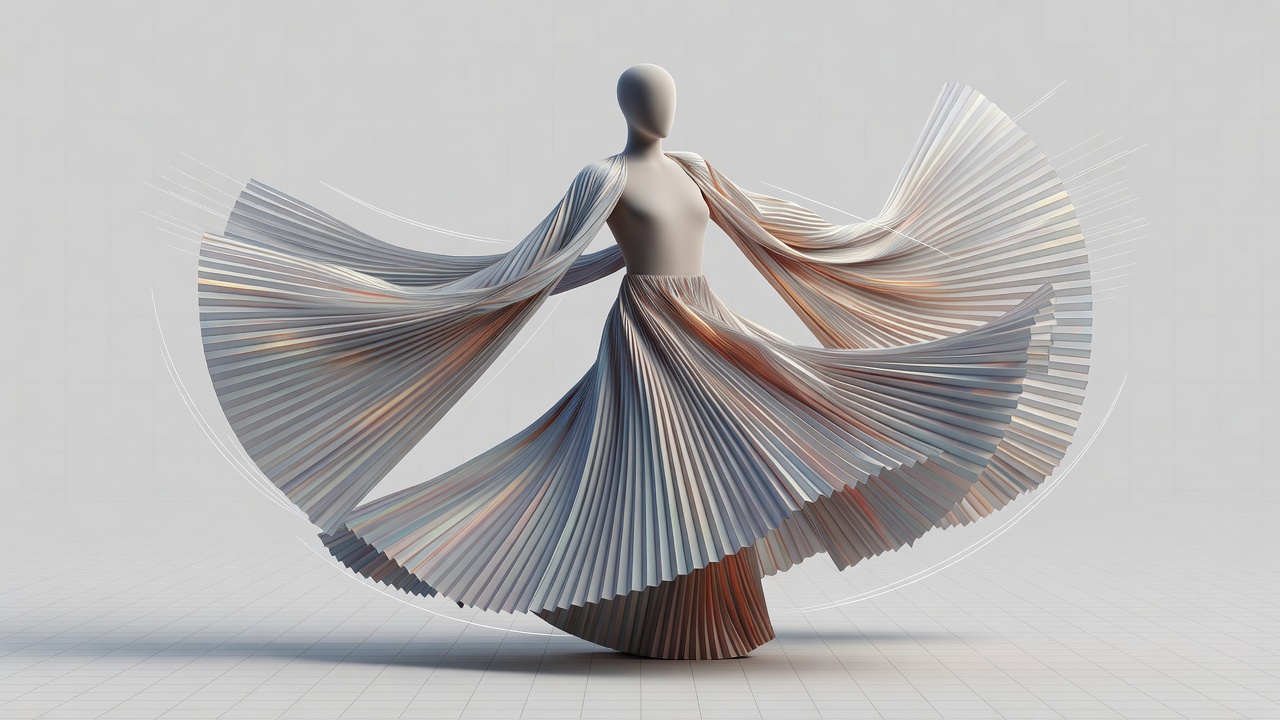
Expose the difficult contacts early
Choose a short stress test containing the most demanding interaction. Sleeve-to-torso contact, a hand crossing the waist and a skirt brushing a bent knee are more informative than a long neutral walk. Inspect front, side and three-quarter views. A simulation can appear clean from the intended camera while storing an intersection that later causes a visible pop. Decide which defects require correction and which lie safely outside the approved shot.
Motion capture can provide useful body mechanics, but it is not a finished garment performance. Retargeting changes joint positions, limb proportions and contact relationships. Clean foot sliding and sudden joint changes before asking the cloth solver to interpret them. Rokoko Studio and Autodesk MotionBuilder are examples of tools used in capture and retargeting workflows; the relevant production question is whether the resulting motion fits the current body and costume.
Keep collision geometry simple enough to evaluate reliably but detailed enough around critical contact zones. Thin fingers, concave shoulder areas and overlapping body proxies can create difficult solver conditions. Review collision thickness separately from rendered garment thickness. Increasing margins everywhere may eliminate penetration while visibly lifting the costume away from the body, trading one problem for another.
Change one mechanical question at a time
Houdini Vellum, Maya nCloth and Blender’s cloth system offer different controls and workflows. Avoid treating settings as interchangeable recipes. Begin with a stable baseline and change a limited set of variables for each test. If stretch, bending, damping, friction and solver quality all change together, it becomes difficult to identify why the result improved or failed. Keep short notes alongside each test render.
Allow adequate initialization time before the usable action. This pre-roll lets the garment settle into its intended starting state. Make sure that settling does not introduce a different silhouette from the approved asset. If the first visible frame needs a highly art-directed fold, prepare and validate that starting condition rather than relying on chance. Reproducibility matters more than finding one attractive simulation by accident.
| Visible symptom | Investigate first | Avoid assuming |
|---|---|---|
| Cloth suddenly jumps | Contact changes, body intersections, time sampling | More stiffness fixes everything |
| Silhouette feels rubbery | Stretch response and animation timing | Surface roughness changes weight |
| Persistent jitter | Collision geometry and solver stability | Motion blur will conceal it |
Review at normal playback speed as well as frame by frame. The audience experiences continuity, not isolated solver screenshots. Watch where the eye travels, how folds recover and whether repeated motion feels mechanically identical. Procedural variation should serve the performance, not create unexplained noise. Use directed forces sparingly and document them so lighting and editorial teams understand why the garment moves.
Freeze the right things at the right time
Animation approval should precede expensive final simulation, but approval is a production agreement rather than a magical technical lock. Specify what is frozen: root motion, body timing, camera range or the entire performance. A small late change in elbow position can invalidate sleeve contact across many frames. Assess the cost of that change explicitly instead of quietly reusing an incompatible cache.
Export the reviewed result with frame range, frame rate, units, topology expectations and source version. Alembic geometry caches are a common interchange option, but test velocity data and subframe behavior in the receiving renderer. Include a lightweight playblast showing the exact cache. Open the exported file in a clean scene before handoff; successful export is not the same as successful downstream playback.
Handoff gate
Deliver the cache, timing notes and known limitations together. Lighting should receive a repeatable performance, not a live simulation whose result changes on each machine.